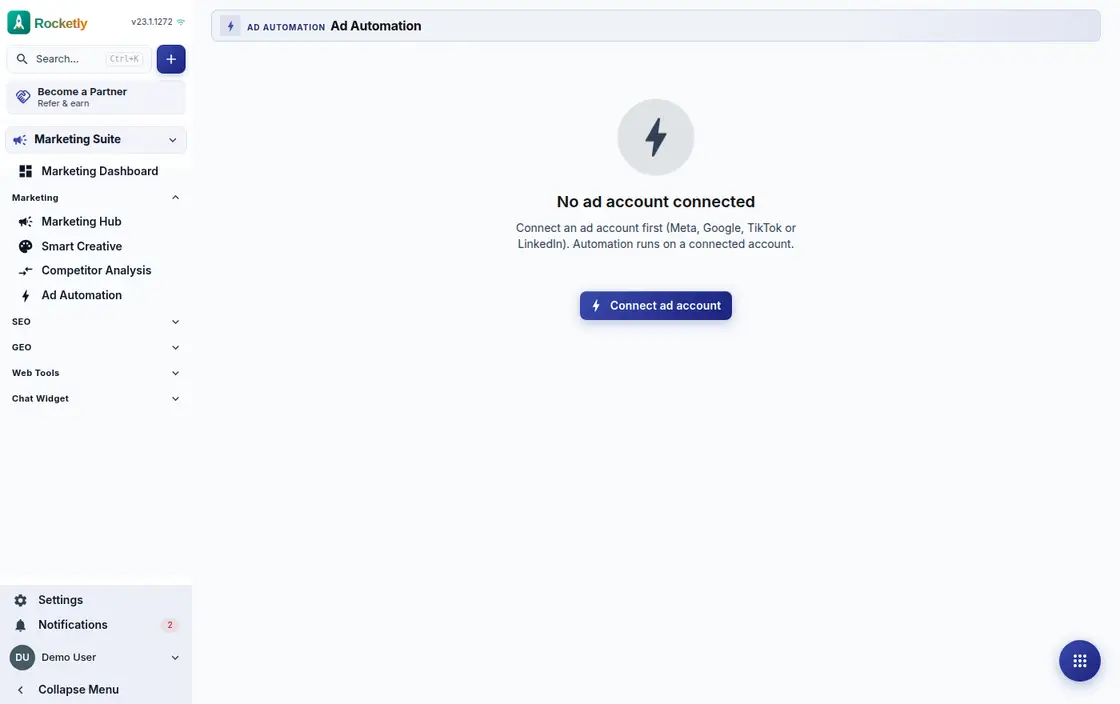
What you can do
Rule modes and actions
A rule can raise a budget or pause a campaign, and runs in one of three modes: preview only, queued for your approval, or applied on its own.
Conditions, metrics and scope
Conditions are built on metrics such as CTR and cost per conversion over a window like the last seven days, and run at campaign or ad set level.
Guardrails that hold
Set a twenty-four hour budget ceiling, a maximum drop per action, a cooldown, a minimum daily budget, and dry runs that write nothing to the platform.
Preview, backtest and impact
Before switching a rule on you see whether it would have fired on past data, how it behaves in a metric simulation, and what applying it now would do.
Approval queue and undo
Decisions awaiting approval gather in their own tab and land in a Slack approval channel; you approve, reject, or undo an action already applied.
Web tracking and form tags
Add the tracking snippet to your site and a lead's sessions and page views appear on their record; entries from a Lead Ads form get automatic tags.
A REAL SCENARIO
A real working day
The flow that helps a team decide before a meeting
A budget drift over the weekend
On Friday evening a campaign's cost per conversion crosses the threshold. Because the rule is in copilot mode it does not touch the budget itself; it leaves the decision in the approval queue and the Slack channel. On Monday the owner opens it, approves it, and can still undo it.
Who is it for?
It suits teams that want repeatable campaign follow-up rules while keeping spend and learning decisions on a visible audit trail.
SETUP PLAN
How to start
Start with one performance rule that only creates an alert.
Write the rule's data window, ceiling, and owner explicitly.
Confirm outcomes manually before moving to automated action.
Content verified:
ANSWER CENTER
Frequently asked questions
Explore the questions teams ask before deciding, with short and direct answers.
Open a question to see the scope of the product and its practical boundaries.
What exactly does Ads Automation do?
Ads Automation is used to bring defined performance signals and controlled actions into the same decision loop. The team can follow which rule changed what and why it was reviewed.
Who is Ads Automation for?
It suits teams that want repeatable campaign follow-up rules while keeping spend and learning decisions on a visible audit trail.
What can I do with Ads Automation?
Rule modes and actions: A rule can raise a budget or pause a campaign, and runs in one of three modes: preview only, queued for your approval, or applied on its own. Conditions, metrics and scope: Conditions are built on metrics such as CTR and cost per conversion over a window like the last seven days, and run at campaign or ad set level. Guardrails that hold: Set a twenty-four hour budget ceiling, a maximum drop per action, a cooldown, a minimum daily budget, and dry runs that write nothing to the platform. Preview, backtest and impact: Before switching a rule on you see whether it would have fired on past data, how it behaves in a metric simulation, and what applying it now would do. Approval queue and undo: Decisions awaiting approval gather in their own tab and land in a Slack approval channel; you approve, reject, or undo an action already applied. Web tracking and form tags: Add the tracking snippet to your site and a lead's sessions and page views appear on their record; entries from a Lead Ads form get automatic tags.
What does Ads Automation look like on a real working day?
A budget drift over the weekend. On Friday evening a campaign's cost per conversion crosses the threshold. Because the rule is in copilot mode it does not touch the budget itself; it leaves the decision in the approval queue and the Slack channel. On Monday the owner opens it, approves it, and can still undo it.
How should a team start with Ads Automation?
Start with one performance rule that only creates an alert. Write the rule's data window, ceiling, and owner explicitly. Confirm outcomes manually before moving to automated action.
What does Ads Automation not replace?
Automation is not a guarantee of advertising performance or spend efficiency. Every budget-changing rule needs a boundary, approval, and reversal path.
Which industry was Ads Automation verified for?
The verified industry scenario for Ads Automation is Advertising Agency. The industry page shows that end-to-end workflow. Other products used alongside it in the same scenario: Marketing Hub.
Used together in the same industry
Start using Rocketly for free
Bring your team together in one CRM; no card needed to set it up.