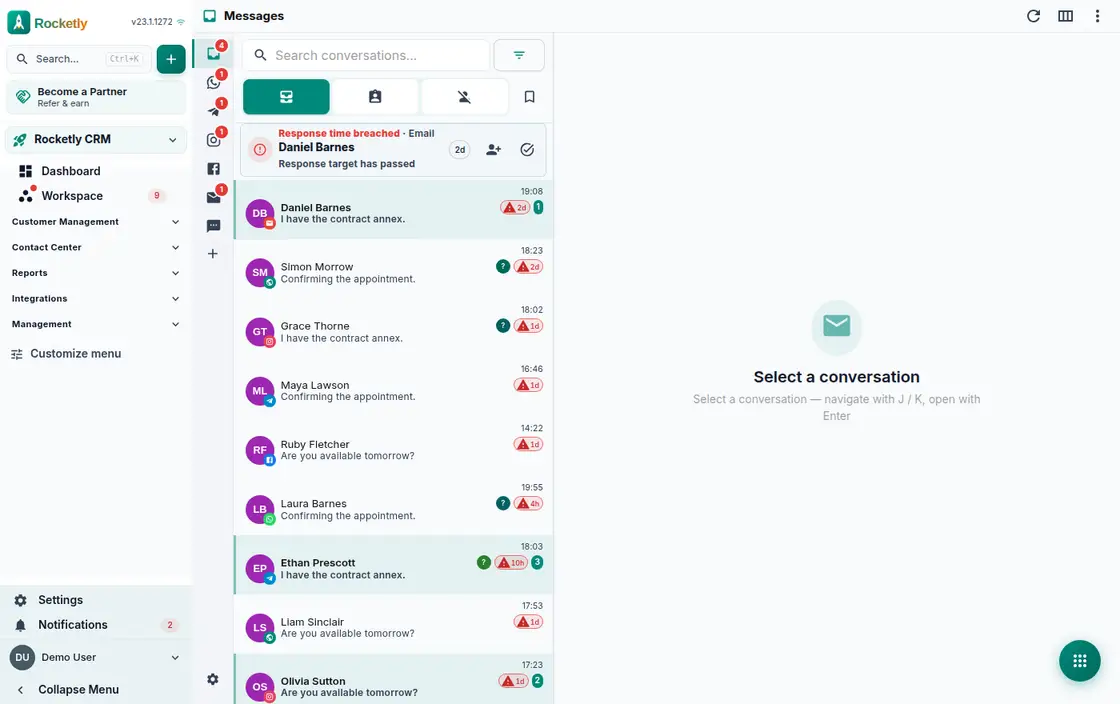
What you can do
Groups and direct messages
Team groups and one-to-one chats sit in the same list. Add or remove members and edit group details, while archived chats wait in their own tab.
Threaded replies
Open a thread under a message and keep the discussion there. The main flow stays readable, the reply count shows next to the message, and who answered whom is clear.
Tasks from messages
Turn something raised in conversation into a task in one move; the task carries which Team Chat message it came from. Save key messages and find them later.
Files, photos and location
Files, photos, video, voice notes and location are shared from the same chat. The group's media section gathers everything shared, grouped by type.
Presence and read receipts
The online users list, last seen information, the typing indicator and read receipts leave no guessing about where a message landed.
An agent in the chat
Add an AI agent or the Super Agent to a conversation and ask it directly. If a critical action comes up, it waits for approval under the message.
A REAL SCENARIO
A real working day
The flow that helps a team decide before a meeting
An urgent request from the field
A complaint from the installation crew lands in the support group. The team opens a thread under the message, shares the photo and the location, and decides right there. The owner creates a task from that message, and because it carries the conversation, nobody retells the story next day.
Who is it for?
It suits teams needing fast coordination that do not want conversation to detach from a customer, opportunity, or task record.
SETUP PLAN
How to start
Decide first which conversations belong on a work record.
Use one shared format for handoff notes and decision summaries.
Regularly connect unowned conversations to a task or record.
Content verified:
ANSWER CENTER
Frequently asked questions
Explore the questions teams ask before deciding, with short and direct answers.
Open a question to see the scope of the product and its practical boundaries.
What exactly does Team Chat do?
Team Chat provides internal coordination close to customer and work context. Decisions, short questions, and handoff notes stay around the same work instead of disappearing into separate apps.
Who is Team Chat for?
It suits teams needing fast coordination that do not want conversation to detach from a customer, opportunity, or task record.
What can I do with Team Chat?
Groups and direct messages: Team groups and one-to-one chats sit in the same list. Add or remove members and edit group details, while archived chats wait in their own tab. Threaded replies: Open a thread under a message and keep the discussion there. The main flow stays readable, the reply count shows next to the message, and who answered whom is clear. Tasks from messages: Turn something raised in conversation into a task in one move; the task carries which Team Chat message it came from. Save key messages and find them later. Files, photos and location: Files, photos, video, voice notes and location are shared from the same chat. The group's media section gathers everything shared, grouped by type. Presence and read receipts: The online users list, last seen information, the typing indicator and read receipts leave no guessing about where a message landed. An agent in the chat: Add an AI agent or the Super Agent to a conversation and ask it directly. If a critical action comes up, it waits for approval under the message.
What does Team Chat look like on a real working day?
An urgent request from the field. A complaint from the installation crew lands in the support group. The team opens a thread under the message, shares the photo and the location, and decides right there. The owner creates a task from that message, and because it carries the conversation, nobody retells the story next day.
How should a team start with Team Chat?
Decide first which conversations belong on a work record. Use one shared format for handoff notes and decision summaries. Regularly connect unowned conversations to a task or record.
What does Team Chat not replace?
Team Chat does not replace an official decision record, retention policy, or sensitive-data classification. Sharing rules and access roles must still be preserved.
Which industry was Team Chat verified for?
The verified industry scenario for Team Chat is SaaS. The industry page shows that end-to-end workflow. Other products used alongside it in the same scenario: Competitor Intelligence.
Used together in the same industry
Start using Rocketly for free
Bring your team together in one CRM; no card needed to set it up.